Snap To Nav • TwoTechWest
Scan an address.
Start navigating.
Point your iPhone camera at a printed address—or choose a
photo—and Snap To Nav recognizes the destination so you can
confirm it and open navigation without typing it manually.
Camera Address Scanning
Photo Recognition
Address Confirmation
Navigation Handoff

Welcome Screen
Tap to learn more
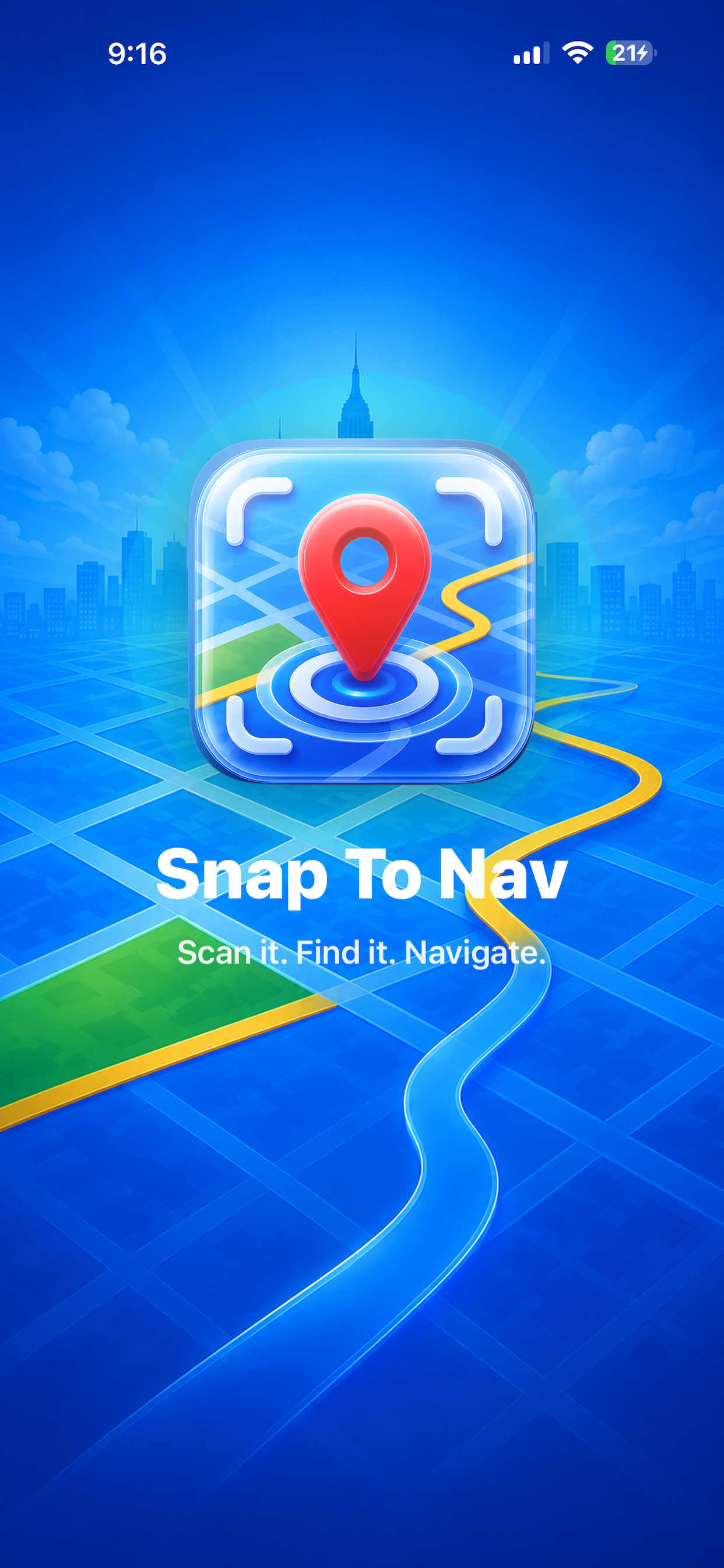
Welcome Screen
Snap To Nav opens with a clear introduction to the app and prepares you to scan a printed street address.
- Introduces Snap To Nav
- Displays app branding
- Starts the scanning workflow

Camera Scanner
Tap to learn more
Camera Scanner
Point the camera at a printed address. The scanning guide helps position the address while on-device text recognition searches for a complete destination.
- Live camera scanning
- Address guide overlay
- On-device text recognition

Address Detected
Tap to learn more
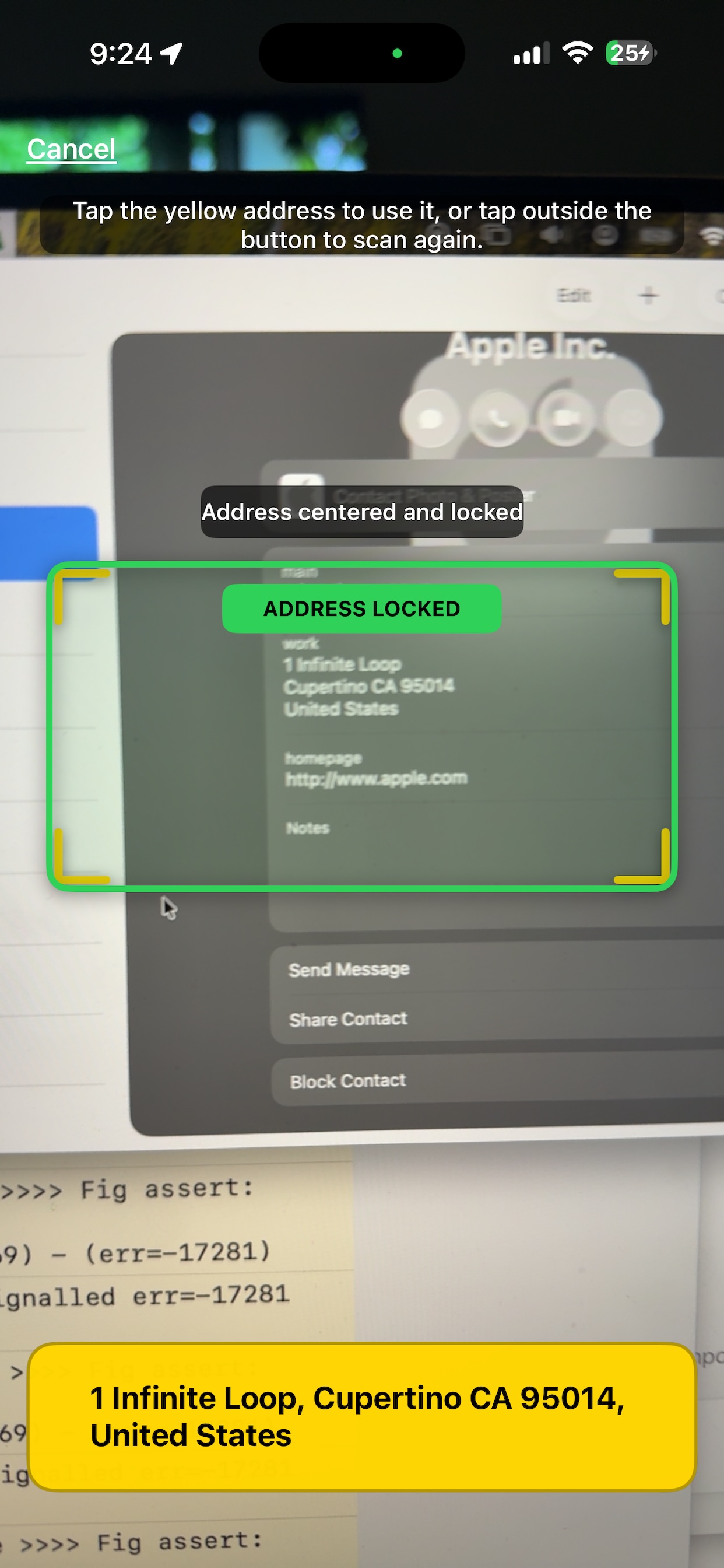
Address Detected
When a complete address is detected, Snap To Nav highlights the result and presents the best recognized address.
- Complete-address detection
- Best-result selection
- Clear confirmation state
Address Locked
The scanner pauses after locking onto an address so you can review the result before opening navigation.
- Pauses after recognition
- Prevents accidental changes
- Tap to resume scanning

Confirm Destination
Tap to learn more
Confirm Destination
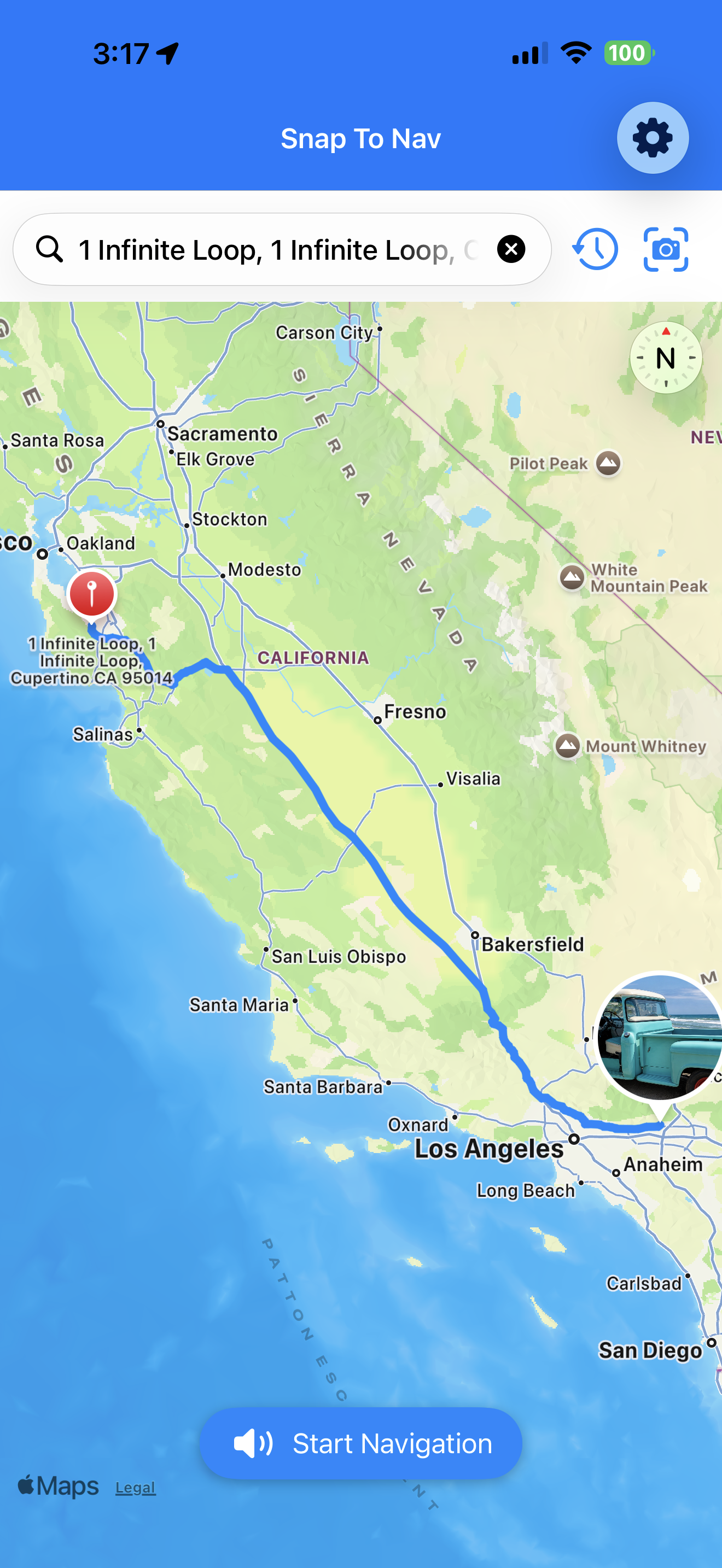
Review the recognized address and confirm that it matches the destination you intend to visit.
- Review before navigation
- Correct recognition errors
- Confirm the destination

Open Navigation
Tap to learn more
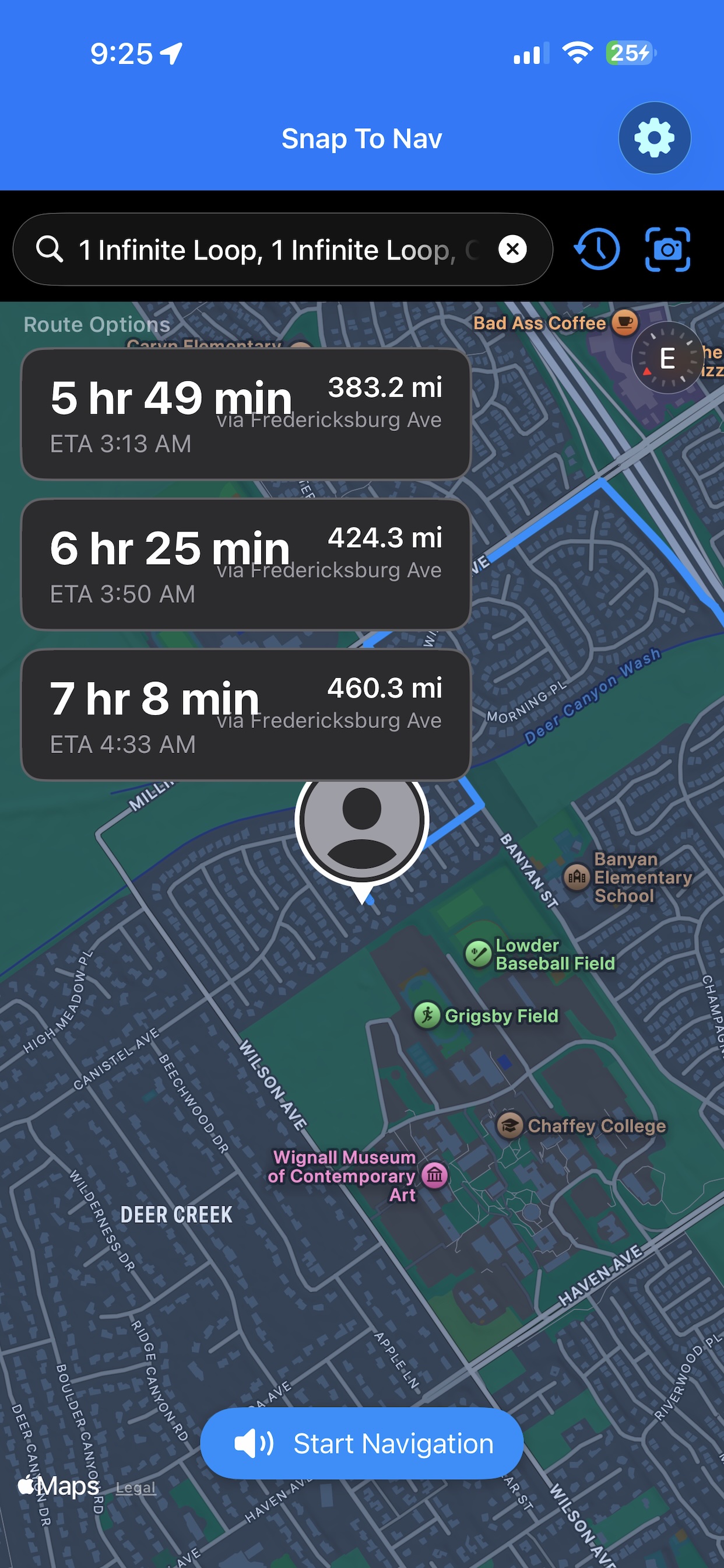
Open Navigation
After confirmation, open the address in a supported mapping or navigation application.
- Fast map handoff
- Turn-by-turn navigation
- Uses supported map apps
Skip typing long addresses.
Scan the address, confirm the destination, and open navigation when
you are ready.